Southern Wildberry
Desert Dreams Keychain Loop
Couldn't load pickup availability
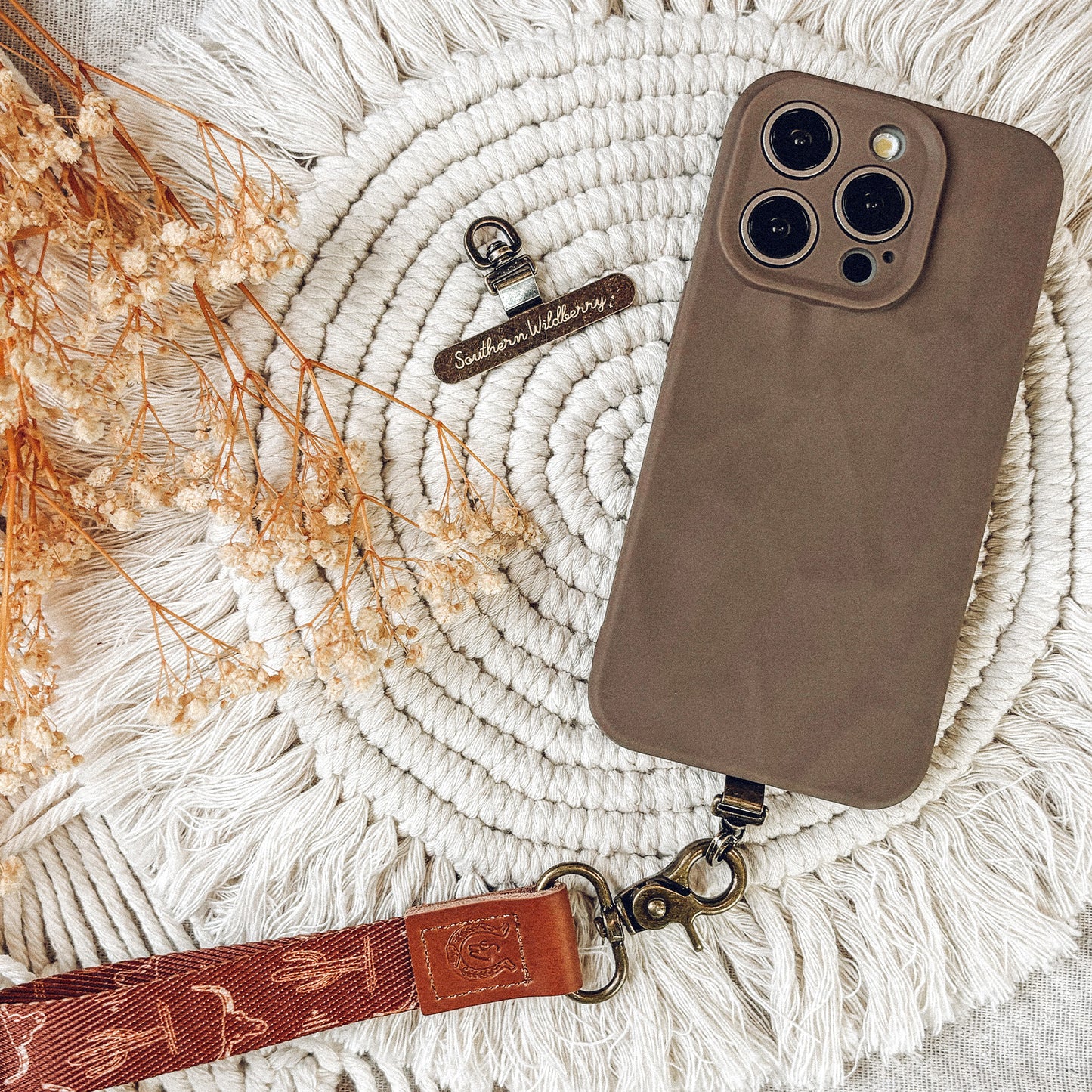
The Desert Dreams keychain loop features a deep brown background patterned with illustrated cactuses and longhorn skulls, printed seamlessly inside and out. Finished with the Southern Wildberry logo and a bronze 360-degree clasp, it’s sturdy, practical, and easy to attach to keys, bags or belt loops. A western inspired accessory with just the right touch of wild.
Product details
Dark brown PU leather top with branded Southern Wildberry logo on both sides.
Design wraps around both inside and outside of the loop.
Bronze 360-degree rotating clasp attachment.
Packaged with a branded belly band.
Other information
This is a small loop and will not fit a wrist.
Colours may vary slightly depending on your screen.
Size
Width: 2cm
Loop length: 9cm
Total length with clasp: 16.5cm
Shipping
Delivery from the UK. All shipping charges are calculated at the checkout.
Orders are dispatched within 2–3 days, unless stated otherwise.
All orders are shipped via Royal Mail Second Class, tracking is available as an upgrade option.
International orders may be subject to import duties and taxes.
Share

Step 1
Use The Right Phone Case
Make sure your phone case has a charging-port opening wide enough to fit the tether tab loop. A standard 12mm opening fits the 8mm × 6mm loop comfortably.
Step 2
Place The Tab Inside the Case
Put the flat part of the tether tab inside your phone case with the Southern Wildberry logo facing down into the case.
Step 3
Feed The Loop Through The Charging Port
Pull the loop end of the tether tab through the charging port opening so it sits on the outside of the case.
Step 4
Insert Your Phone
Slide your phone back into the case, ensuring the tab stays flat and smooth underneath.
Step 5
Attach Your Keychain Loop
Clip your keychain loop, lanyard, or keyring onto the tether tab loop and you’re all set.